


Free Birthday Cards
Choose a design, type the name of the birthday person and send your happy birthday card on WhatsApp in under a minute. Free, with no sign-up.
Type the name and it will appear on the card. You can leave it empty.
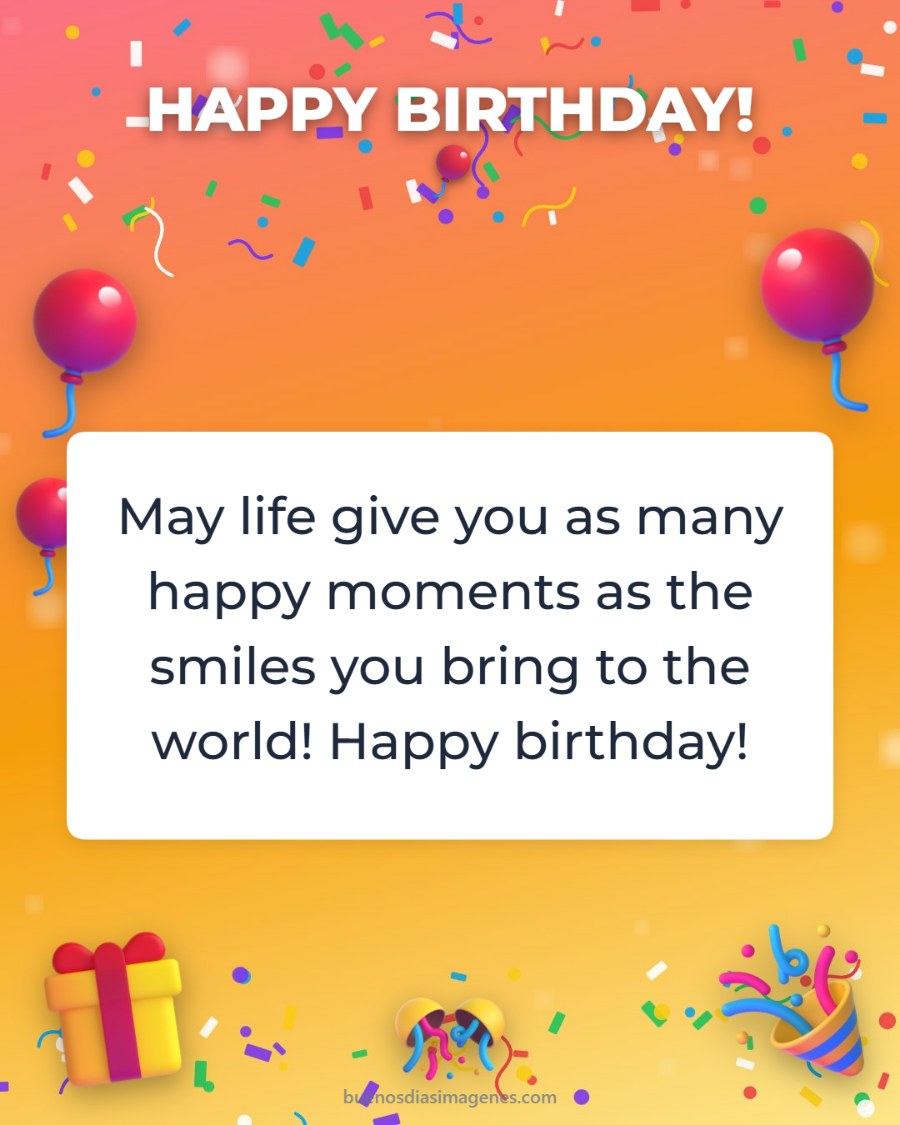
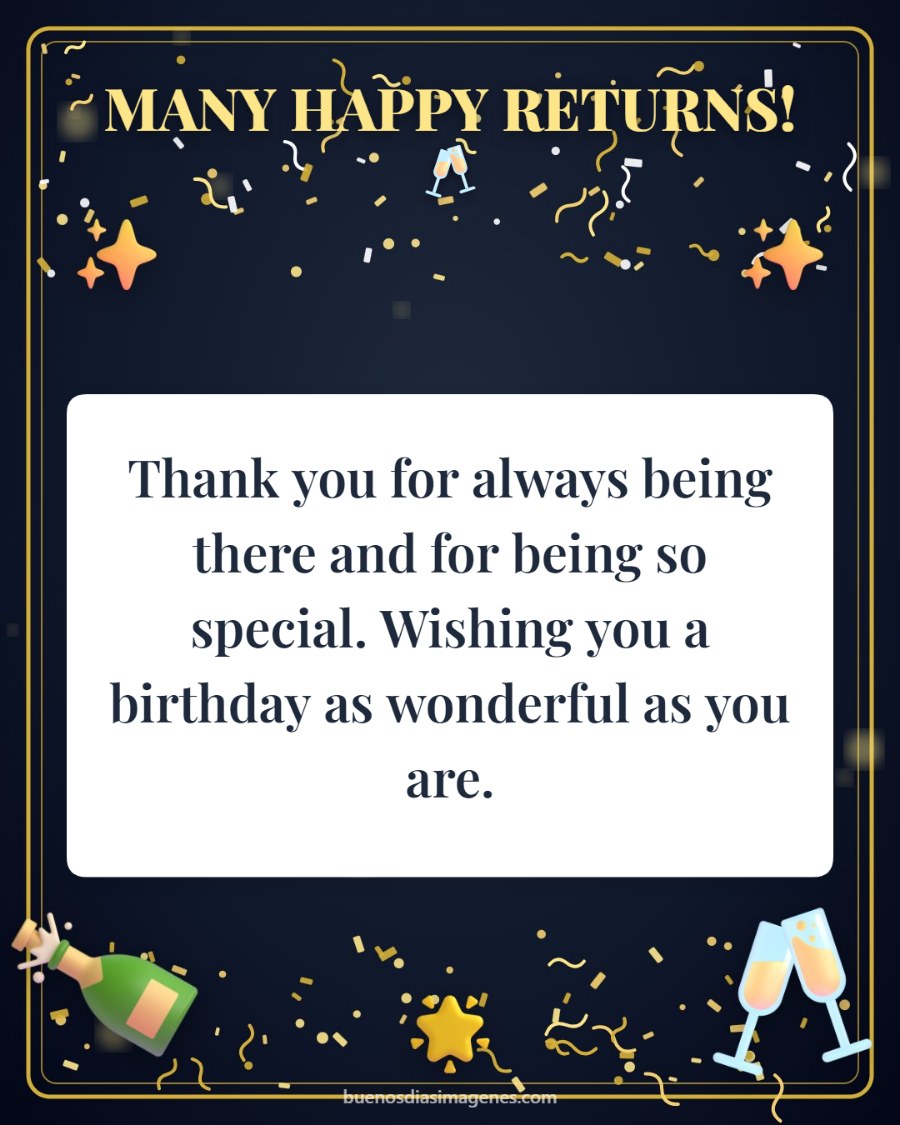
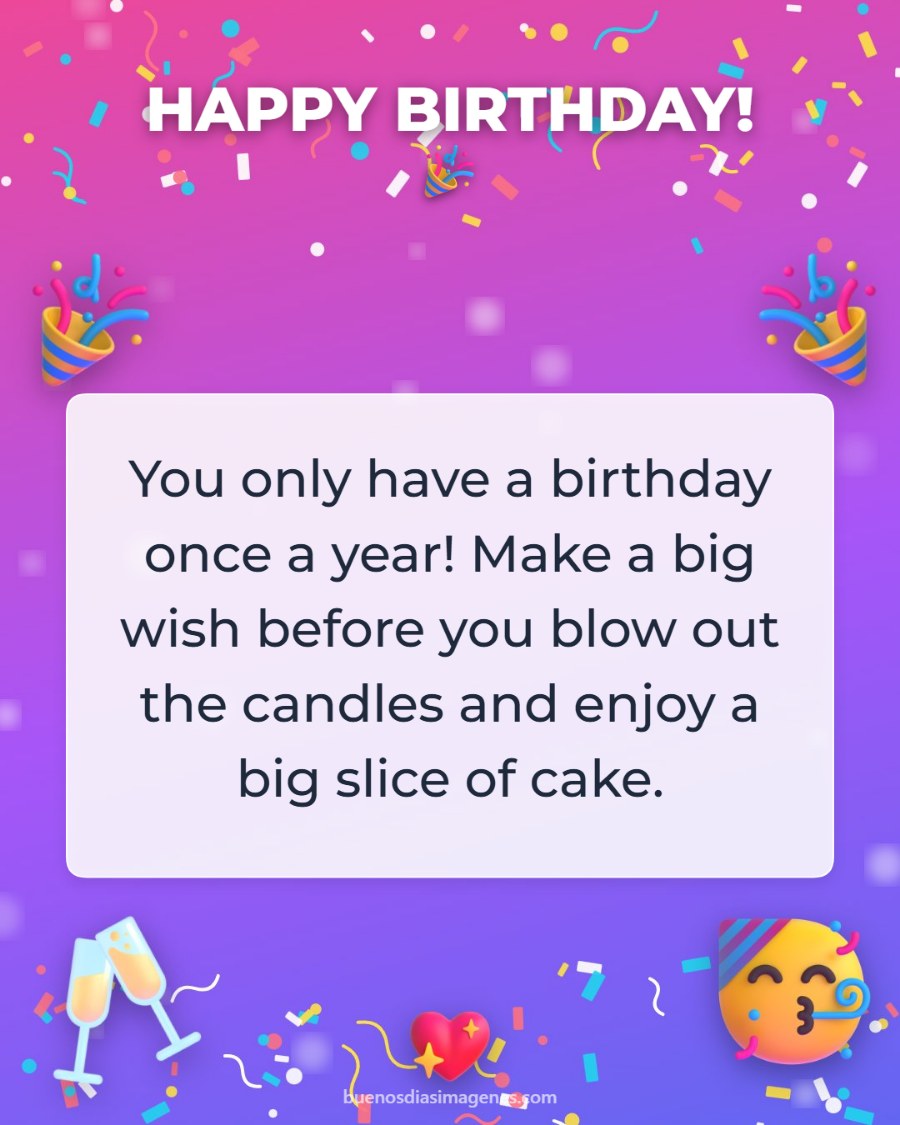
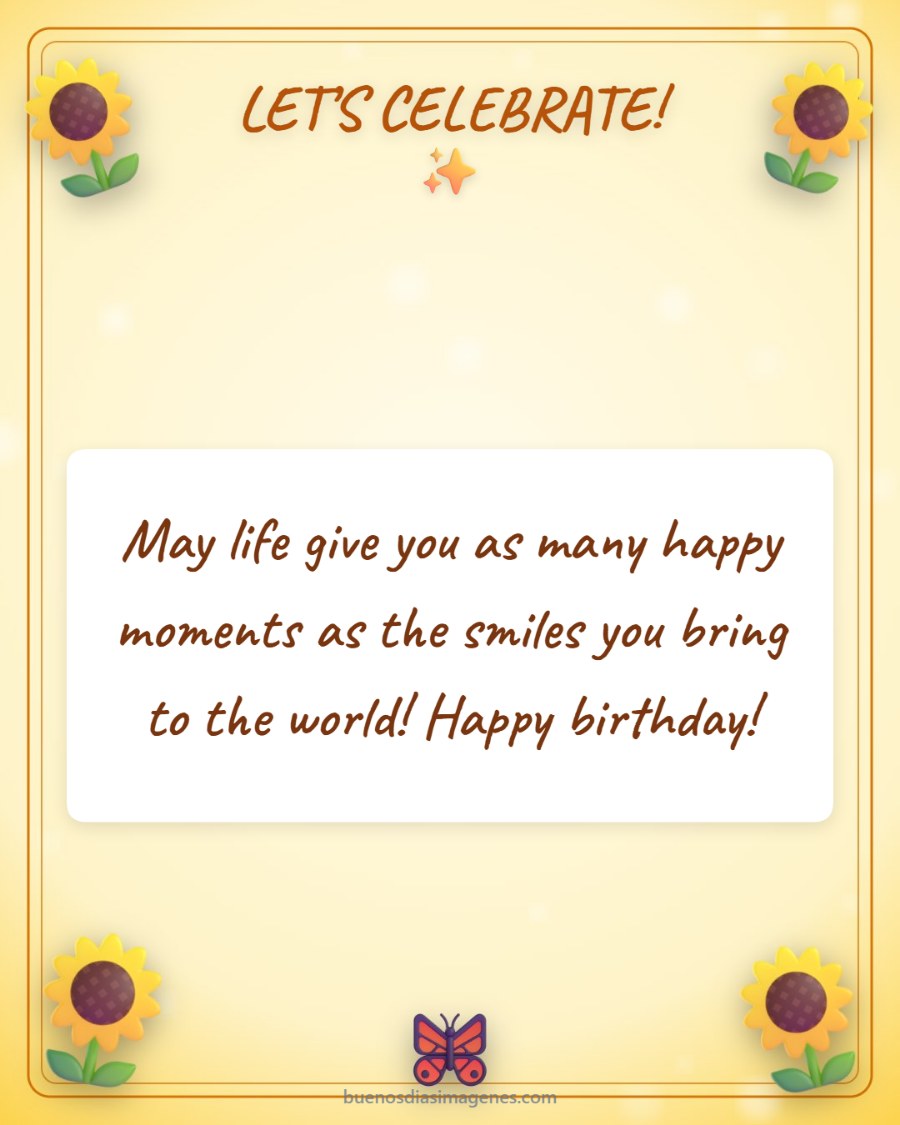
Happy birthday cards ready to send
No time? Download one of these cards as it is, or tap “Personalize with a name” to add the person’s name.



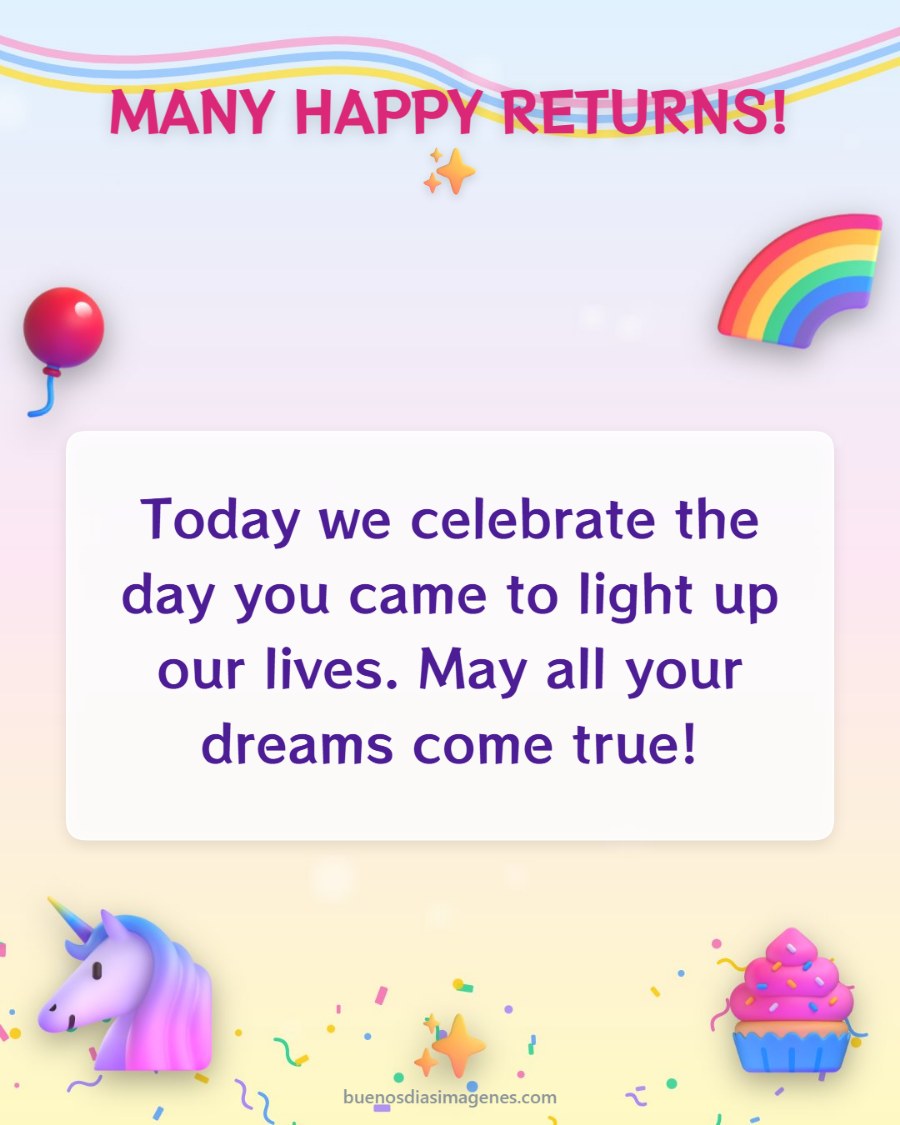

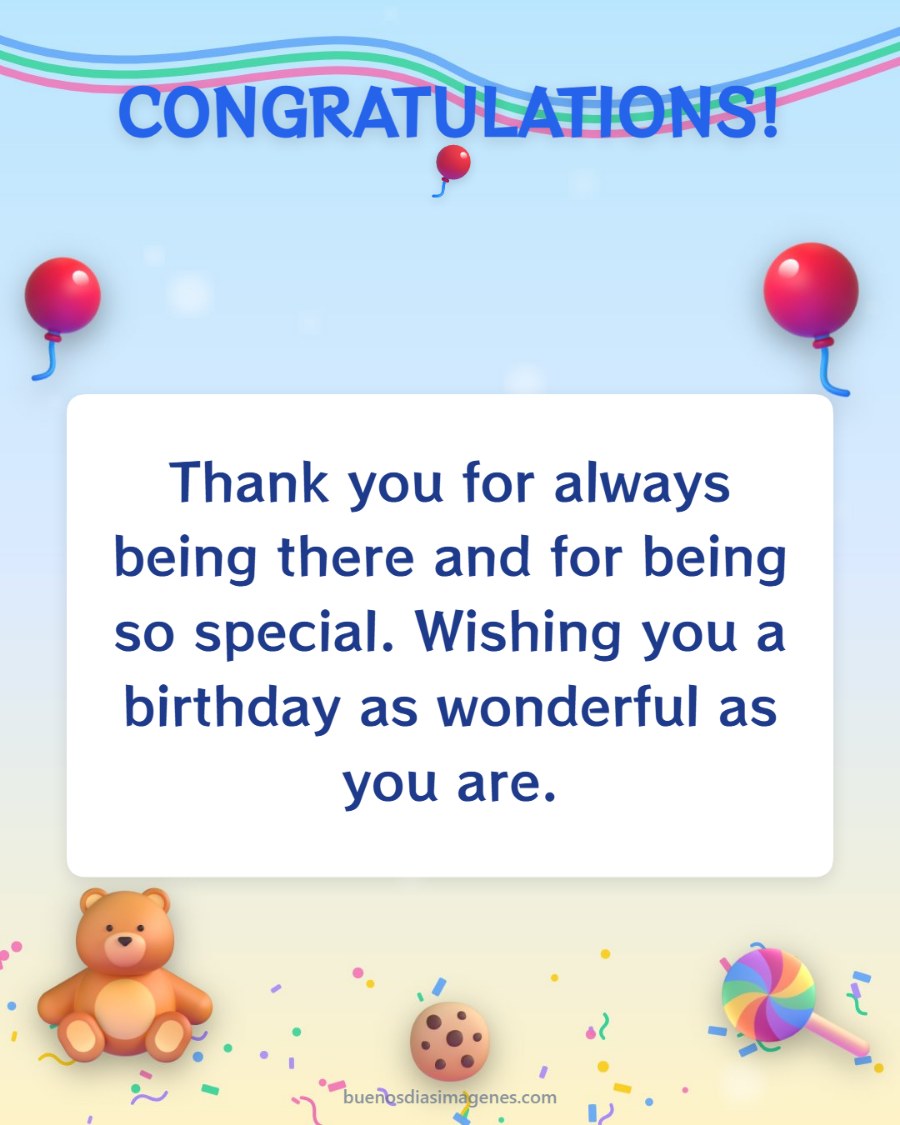
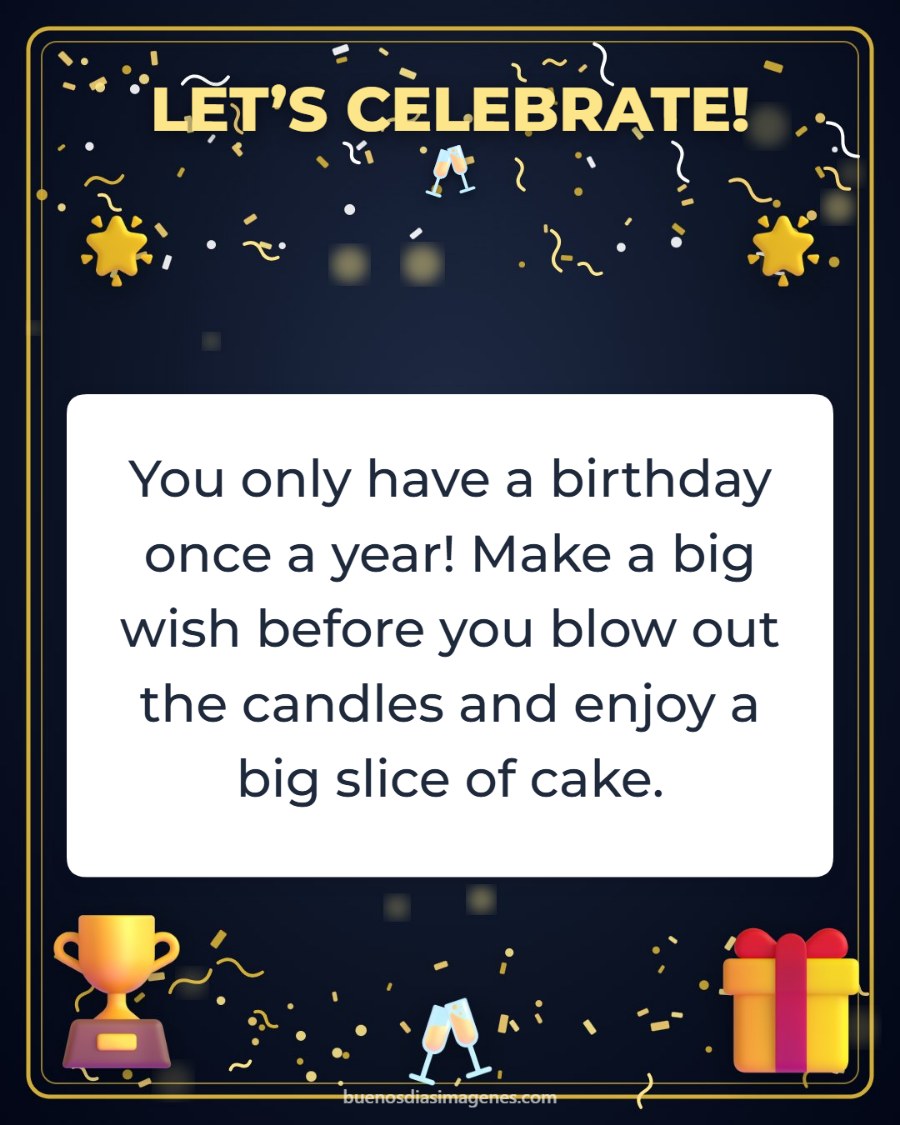

How to make a free birthday card in 3 steps
Our editor is designed so anyone can create a beautiful birthday card from their phone, even with no experience using apps. There is nothing to install and no account to create.
1. Choose a design
Balloons, cake, flowers, elegant gold, hearts, sunflowers, kids’ designs or designs for him. When you tap a design, the colors and font adjust by themselves so it looks perfect.
2. Write the name and the wish
Type the name of the birthday person and pick one of our birthday messages or write your own, with accents and emojis.
3. Send it on WhatsApp or save it
With the green button you send it straight to WhatsApp. You can also save it on your phone and share it on Facebook, Instagram or by email.
Birthday cards for every person
Everyone deserves a different greeting. That is why we have special sections with birthday cards for a friend, birthday cards for WhatsApp, original birthday cards and classic birthday postcards. If you want to add a photo of the two of you, use the “Or use your own photo” option: the image is never uploaded to any server.
Birthday cards for women and for men
For her, the rose, sunflower and heart designs; for him, the “For Him” design in midnight blue and gold, or the party night one.
Kids’ birthday cards
The teddy bear, the pastel unicorn and the balloons are perfect for wishing a happy birthday to children, nieces, nephews and grandchildren.
Christian birthday cards
The “Blessings” design includes light and flowers, ideal to go with messages like “May God bless you in this new year of life”.
Frequently asked questions
Are the birthday cards free?
Yes. You can create, download and send as many cards as you like without paying or signing up.
Can I add the person’s name?
Yes. Type the name in step 2 and it appears on the card straight away.
How do I send the birthday card on WhatsApp?
Tap “Send on WhatsApp”. On most phones WhatsApp opens so you can choose the contact; if not, the card is saved and you attach it with the paperclip 📎.
Are my photos or messages stored?
No. Everything happens inside your own phone or computer; we do not upload your photos or your texts to any server.


