


Birthday Cards for WhatsApp
Create a birthday card for WhatsApp with the birthday person’s name and send it straight to the chat or the group. Free and in under a minute.
Type the name and it will appear on the card. You can leave it empty.
Birthday greetings for WhatsApp ready to send
Download one and share it in the chat, or personalize it with a name before sending.
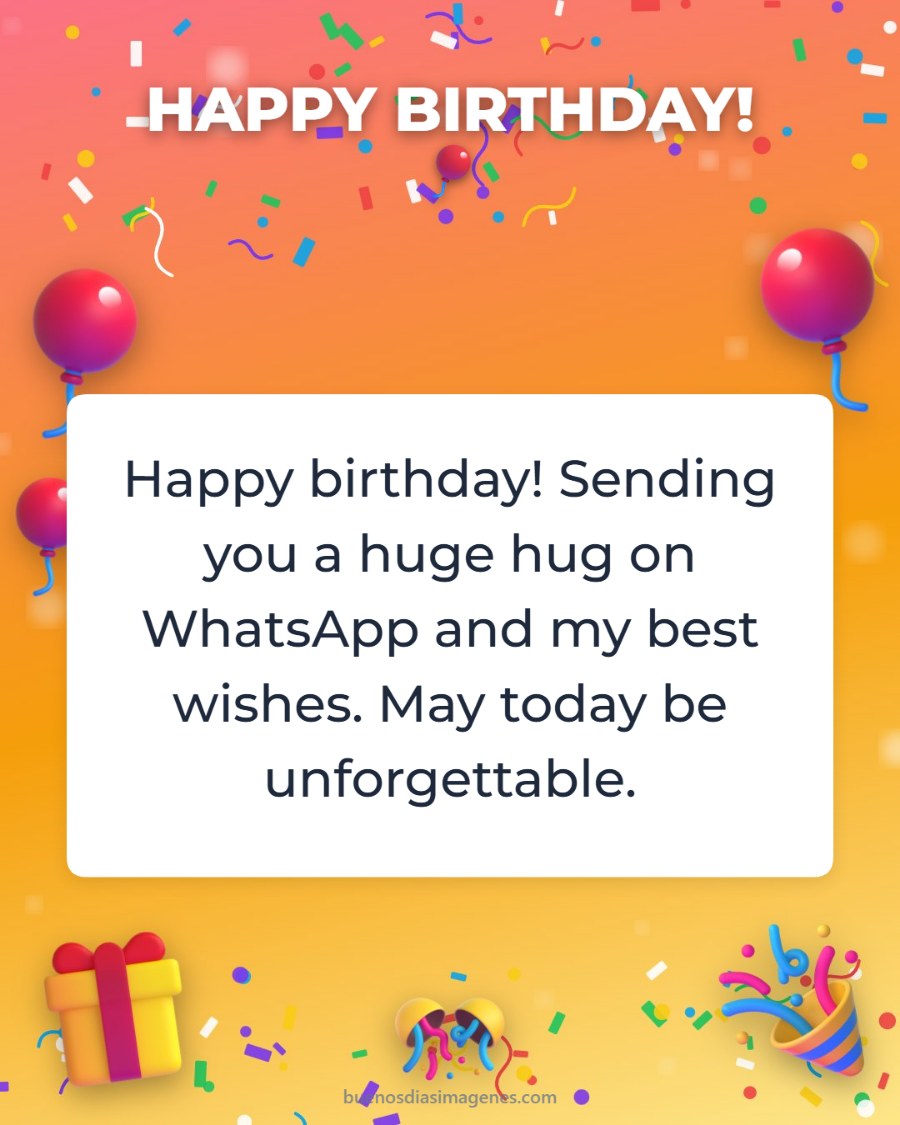
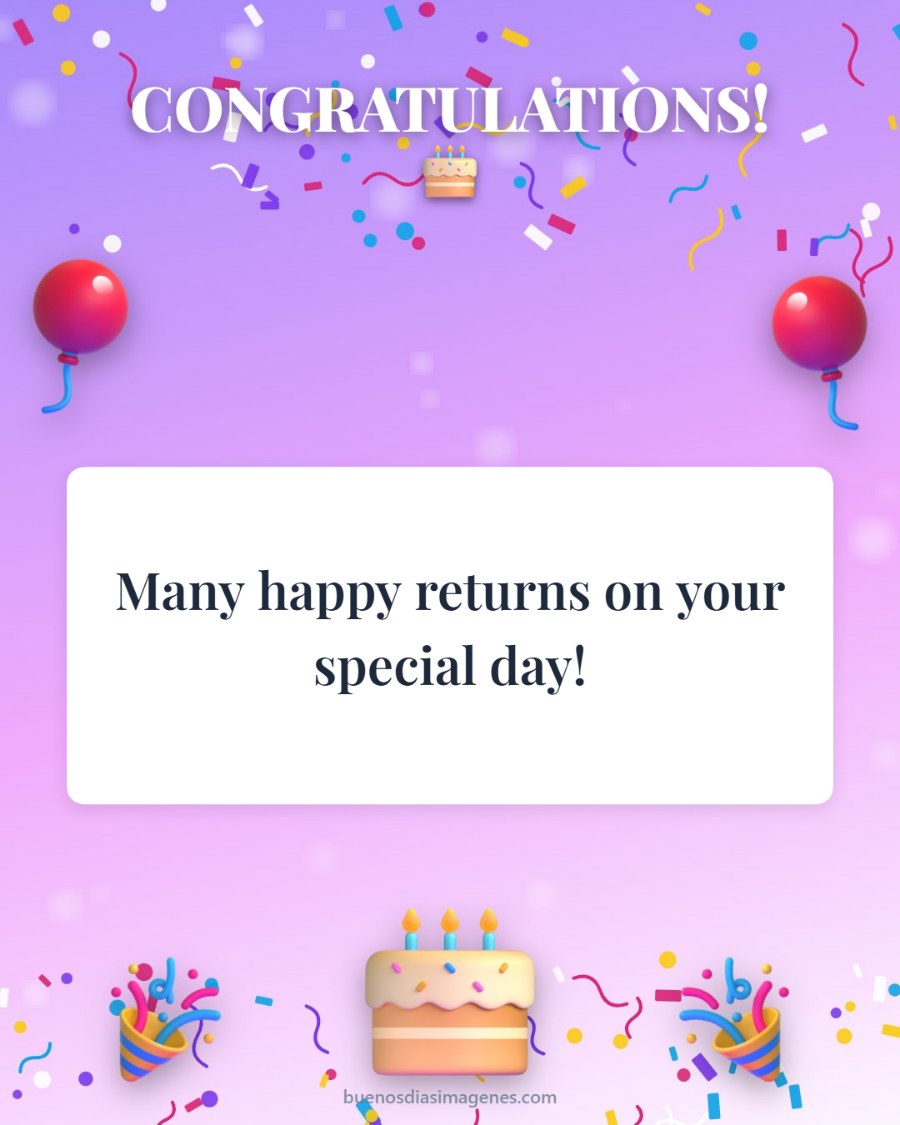
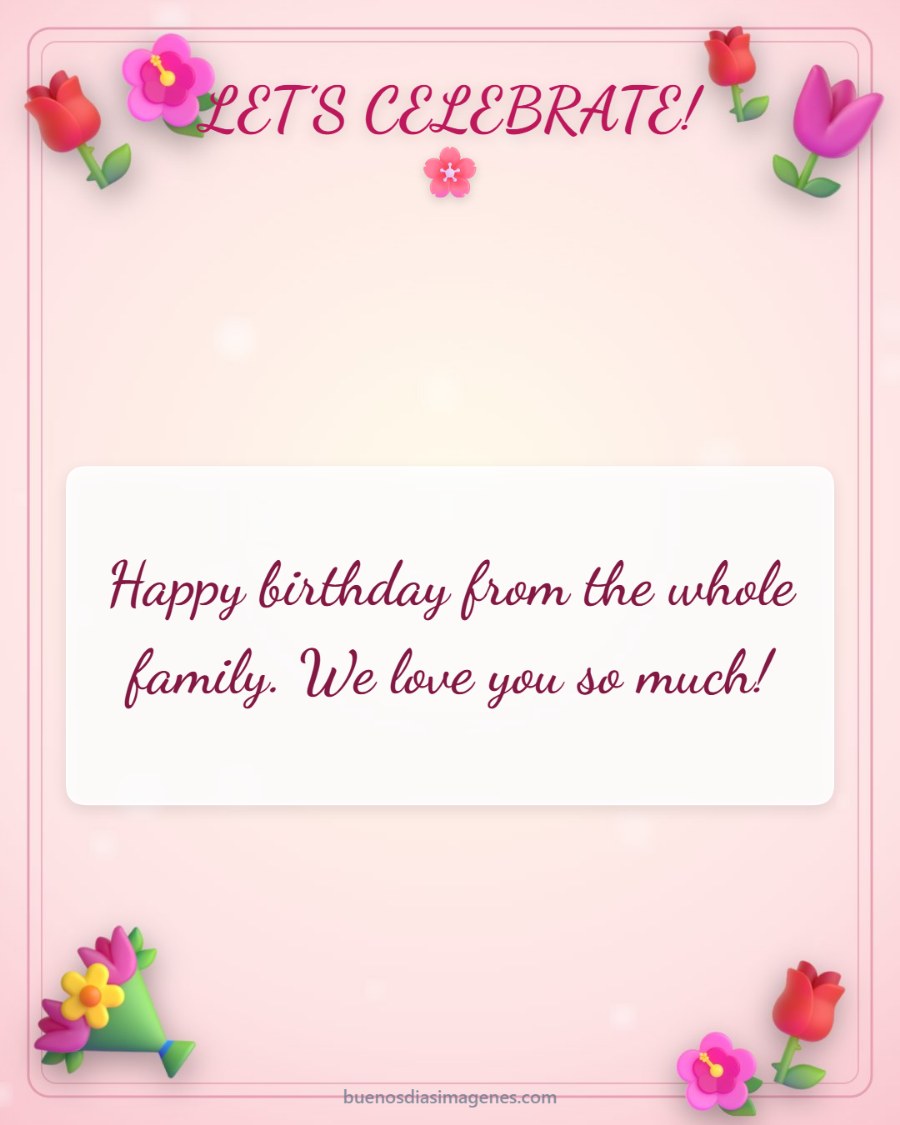
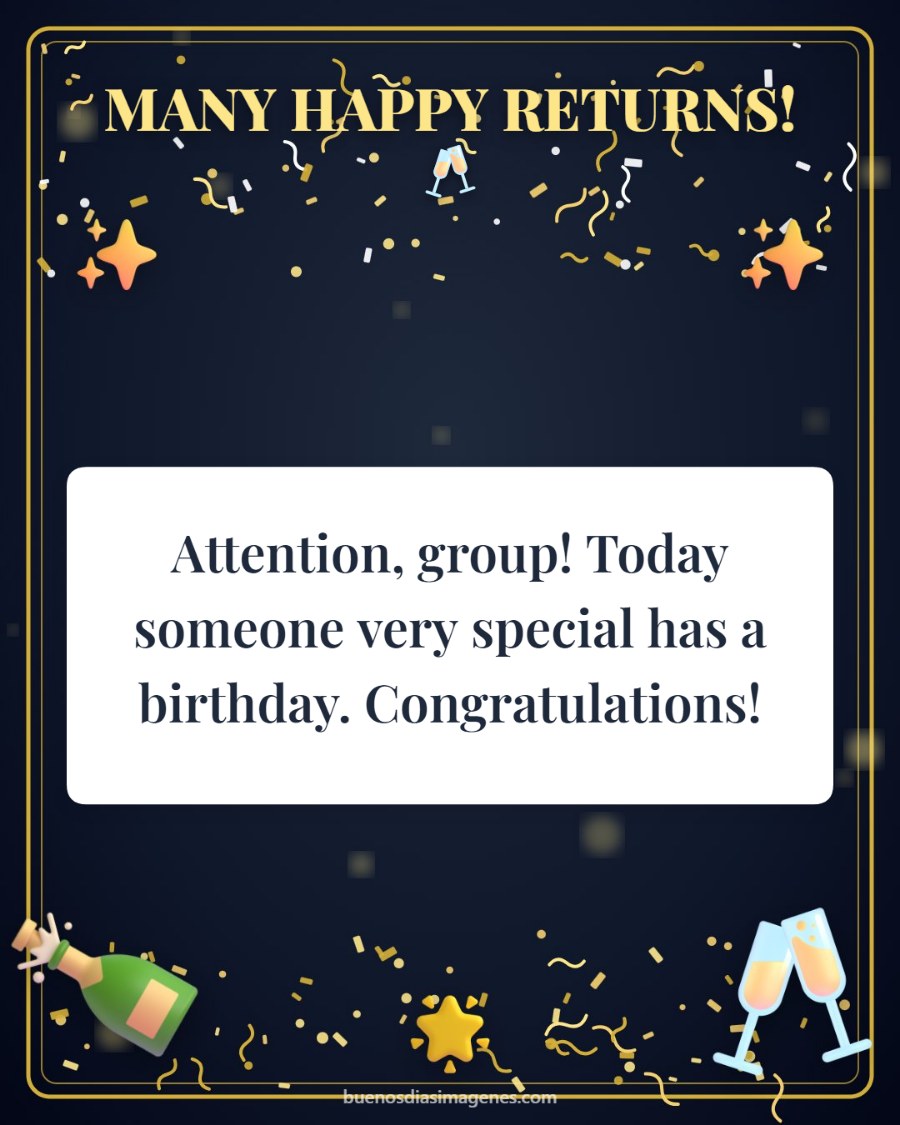
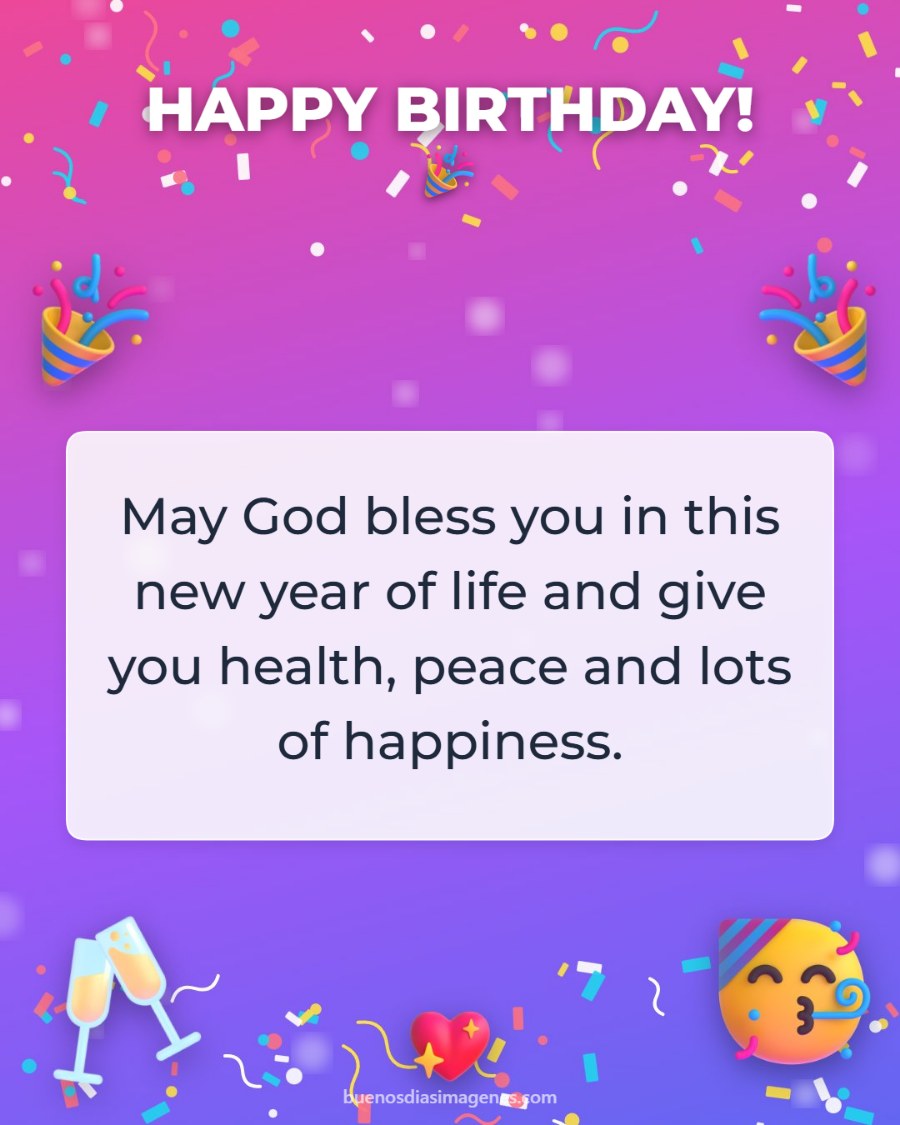

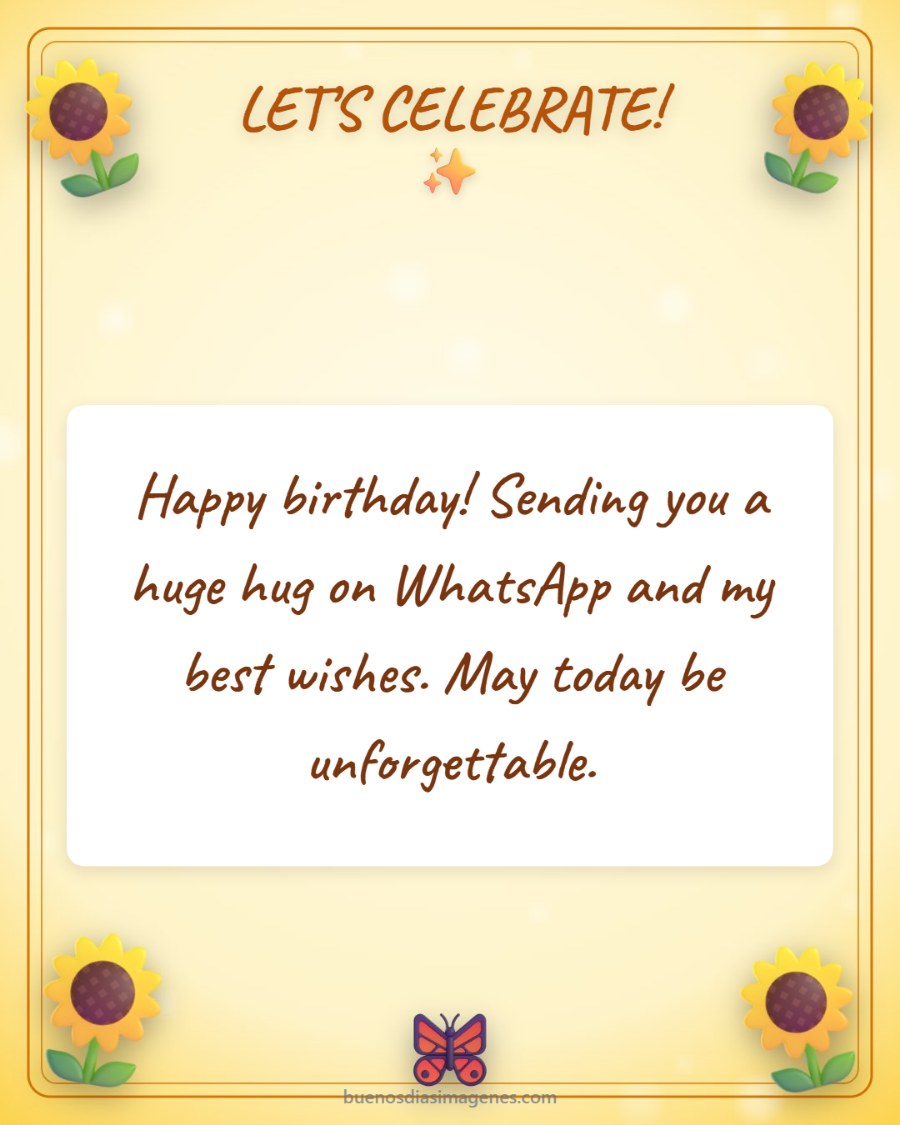
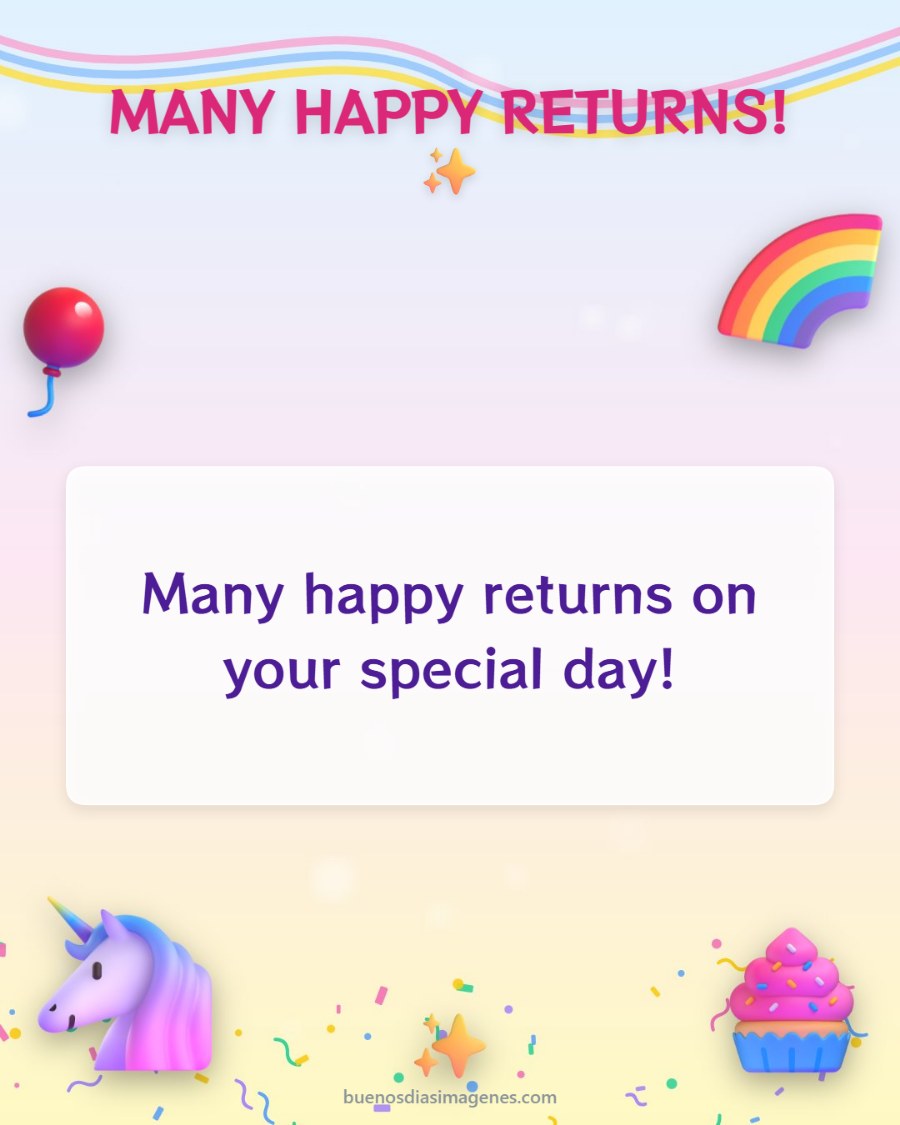
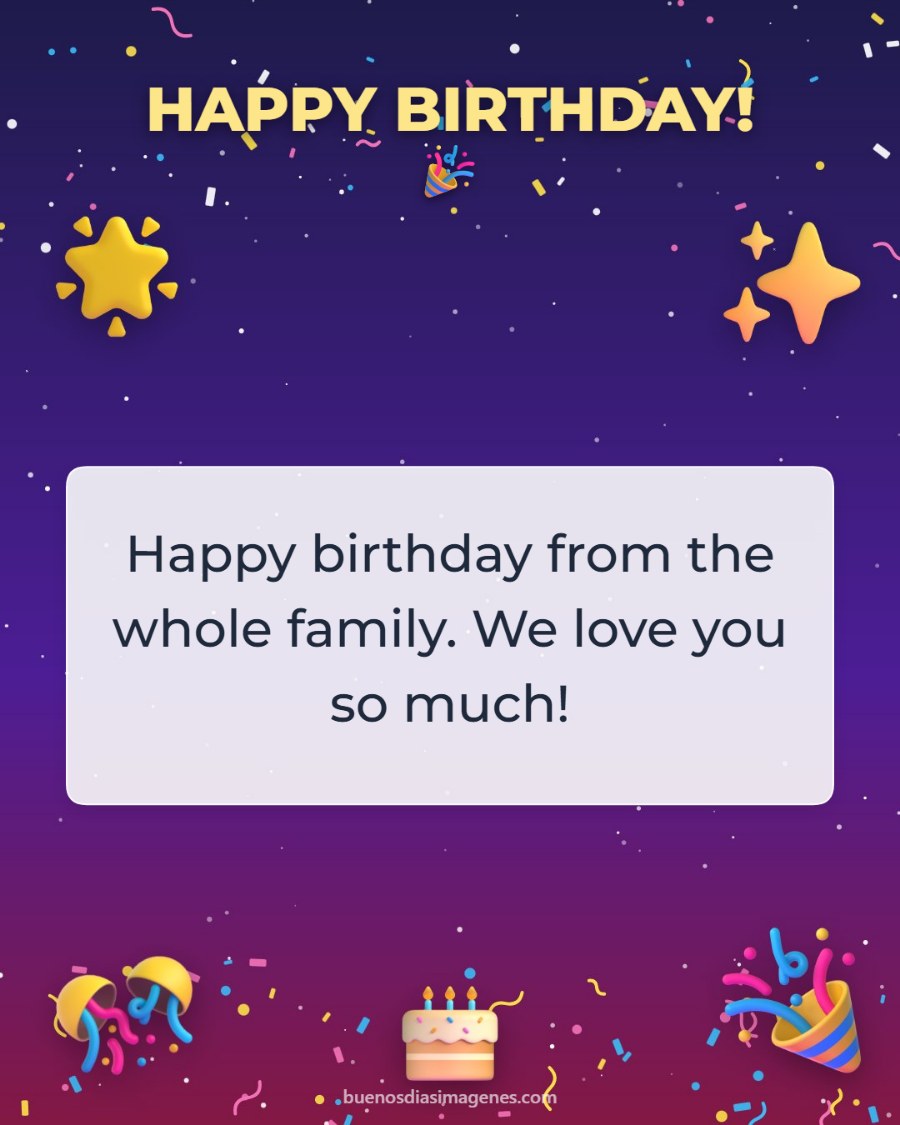
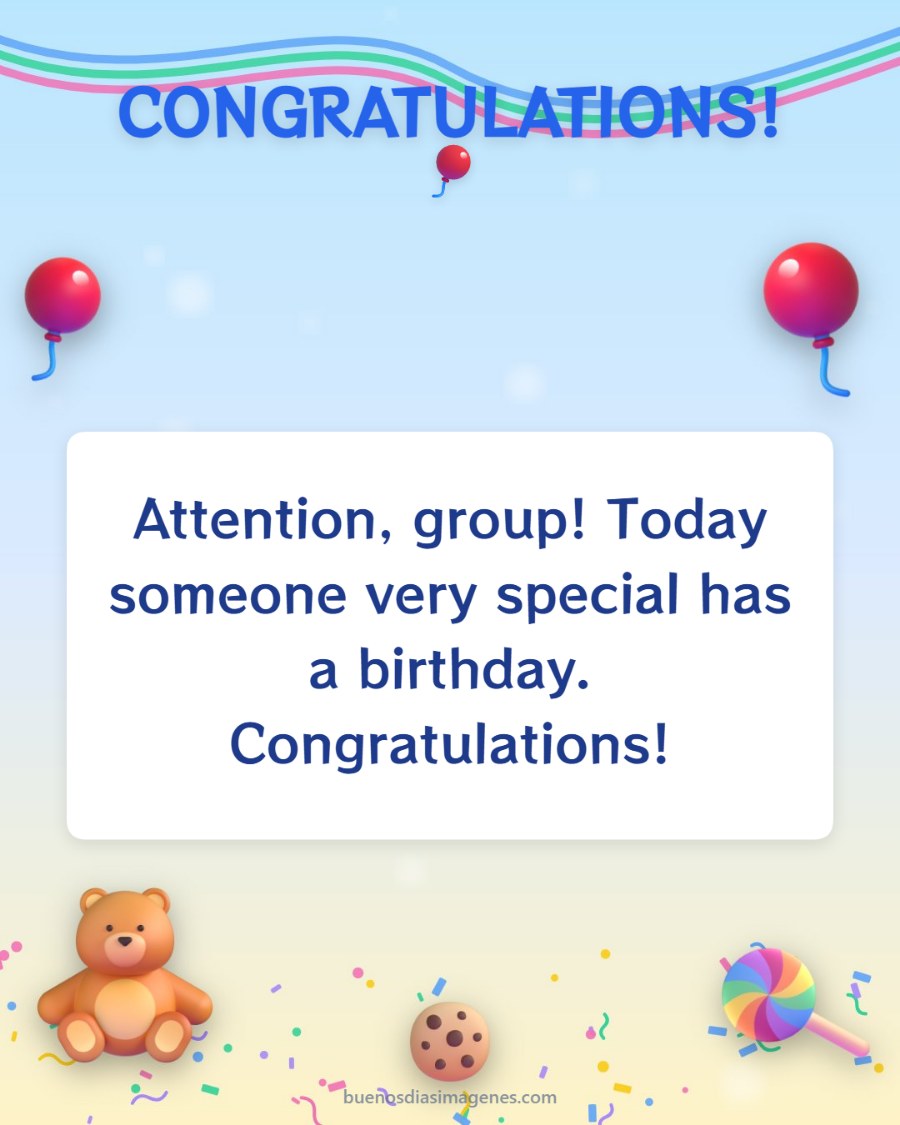
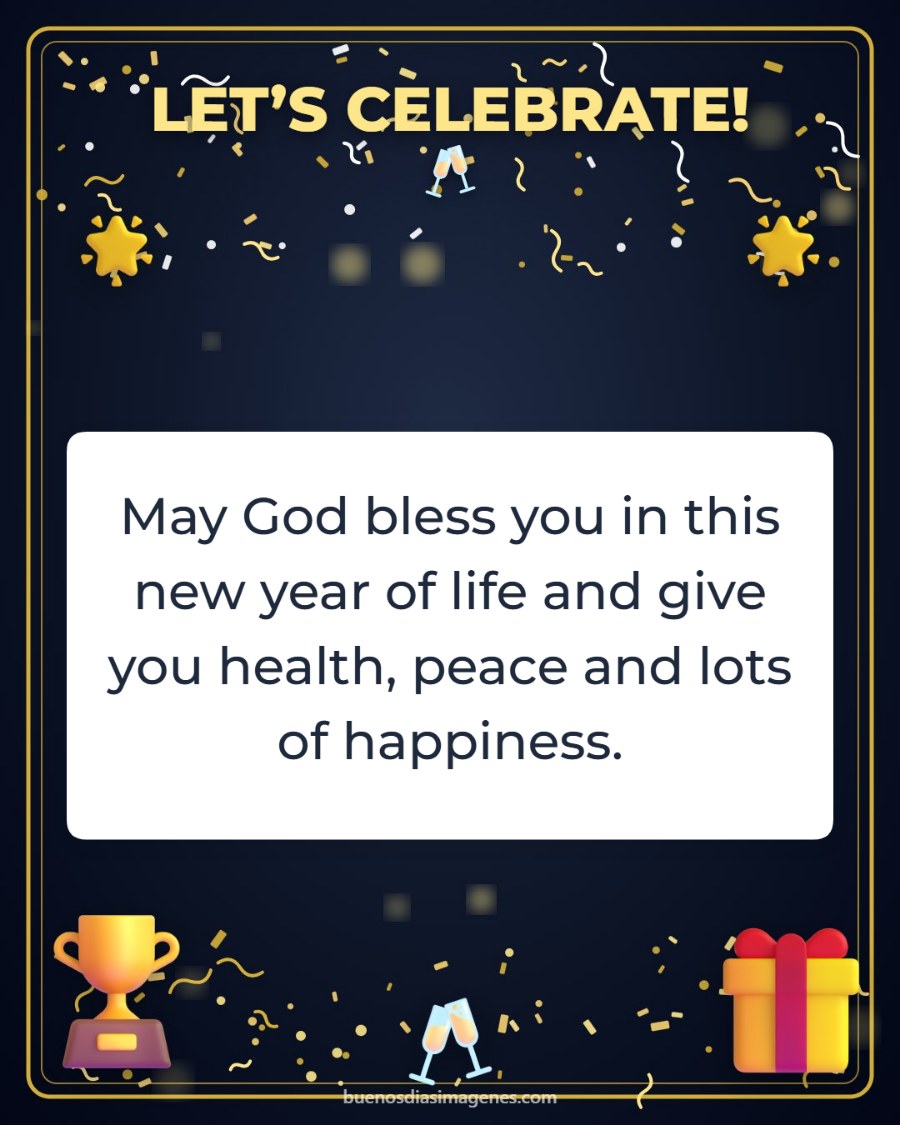

How to send a birthday card on WhatsApp
Choose a design, type the name and the message, and tap the green button. On most phones WhatsApp opens so you can pick the contact or the group. If not, the card is saved to your gallery and you only need to attach it with the paperclip 📎.
More ideas to send your wishes on WhatsApp
You can send the card to a family or friends group, use the “For status” format to post it as a WhatsApp status, or write a short and affectionate message. To remember everyone’s birthday, try the birthday calendar.
Frequently asked questions
How do I send the card on WhatsApp?
Tap “Send on WhatsApp”. The app opens so you can choose the contact or group. If your browser does not allow it, the card is saved and you attach it with the paperclip 📎.
Can I post it as a WhatsApp status?
Yes. Under “More options” choose the “For status” size and save the card to post it.
Does the card lose quality when sent?
It is created in high definition. WhatsApp may compress images; if you want to keep the quality, send it as a document.
Is it free?
Yes, with no sign-up and no limit on cards.


